
What a product includes and where to find its delivery format
Different products include different data. The title helps you find a product; its exact delivery contents are listed in the description and “Included” section.
Open the product page first
- Read the full description and “Included” section. Check the GEO, email access, 2FA and any other listed fields.
- Look for qualifications such as “if available” and “on request”: they do not imply an identical package for every product.
- Check “Replacement” before paying. If a field you need is not clearly described, ask support before buying.
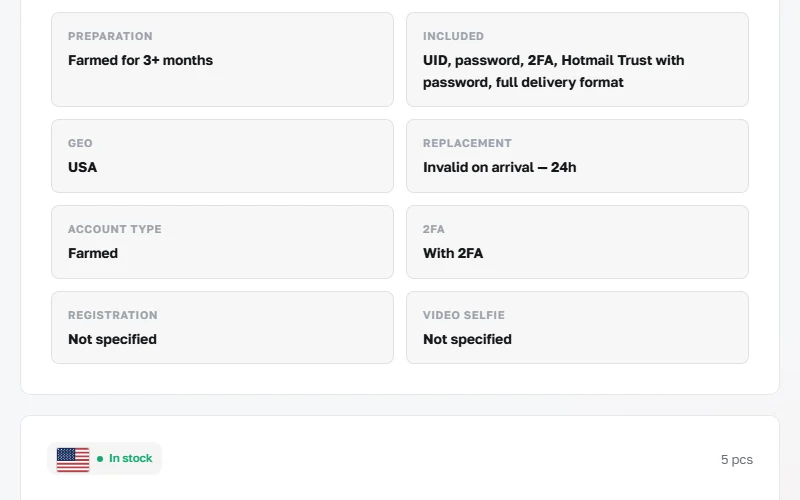
Understanding the fields
- UID or login is the account identifier. It is a separate field, not a password.
- An email address and access to the mailbox are different features. An email password is included only where explicitly stated.
- 2FA refers to two-factor authentication. Check its availability and the included data for the specific product; they are not implied for the whole catalogue.
- Extra fields and their column order depend on the product format. Follow your own order’s description.
If the contents differ
Record the SKU, order number and the specific difference from the description. Contact support within the checking period. Hide passwords, 2FA keys and your personal order link in screenshots.