
How to check a purchase and contact support about an order
Start with the checking period for the specific product. The current catalogue includes products with 24-hour and 5-minute checking periods; review your purchase’s terms before paying.
1. Find the period and terms
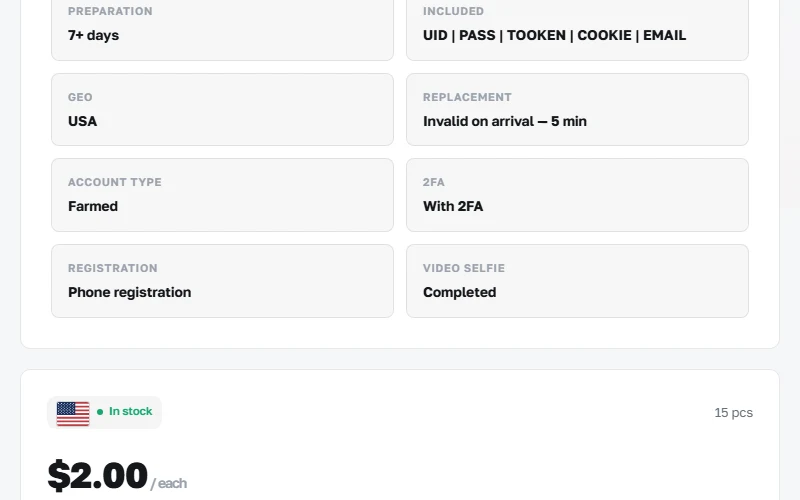
Open “Replacement” and the selected product’s description. Keep the order number and delivery time. If general text and the product page disagree, clarify the terms with support before buying.
2. Compare the delivered contents
- The product name and SKU in the order must match your purchase. Check the number of delivered records.
- Check the listed fields and access details against the product description. Complete the initial check and read the warranty terms before changing data.
- If you find a discrepancy or error, record it promptly and contact support within the product’s stated period.
3. Prepare your support request
Replacement or refund requests are reviewed under the product’s terms and store rules. Ask support for the outcome of your specific order.
- The order number and product SKU.
- When you received the order and noticed the issue.
- A short explanation of what was listed, what you received and at which step the error occurred.
- An error screenshot with passwords, 2FA keys and the secret order link hidden. For payment questions, include the TXID and amount.